
Screenshots
App details
- Updated
- Apr 9, 2021
- Language
- Spanish,English
- Developer
- Symantec
- Category
- Mobile
SoftPas in:
This product is also available in the following languages:
About Norton Removal Tool
Download Norton Removal Tool – Norton uninstaller, remove Norton, clean Norton, Norton cleanup tool
Overview
The Norton Removal Tool is a dedicated utility developed by Symantec Corporation to assist users in completely removing Norton-related software from their Windows systems. Designed for scenarios where standard uninstallation methods fail, this tool addresses the persistent challenge of residual files, registry entries, and leftover components that often remain after traditional removal processes. It is particularly useful for users upgrading from older Norton products or troubleshooting system conflicts caused by incomplete uninstalls.
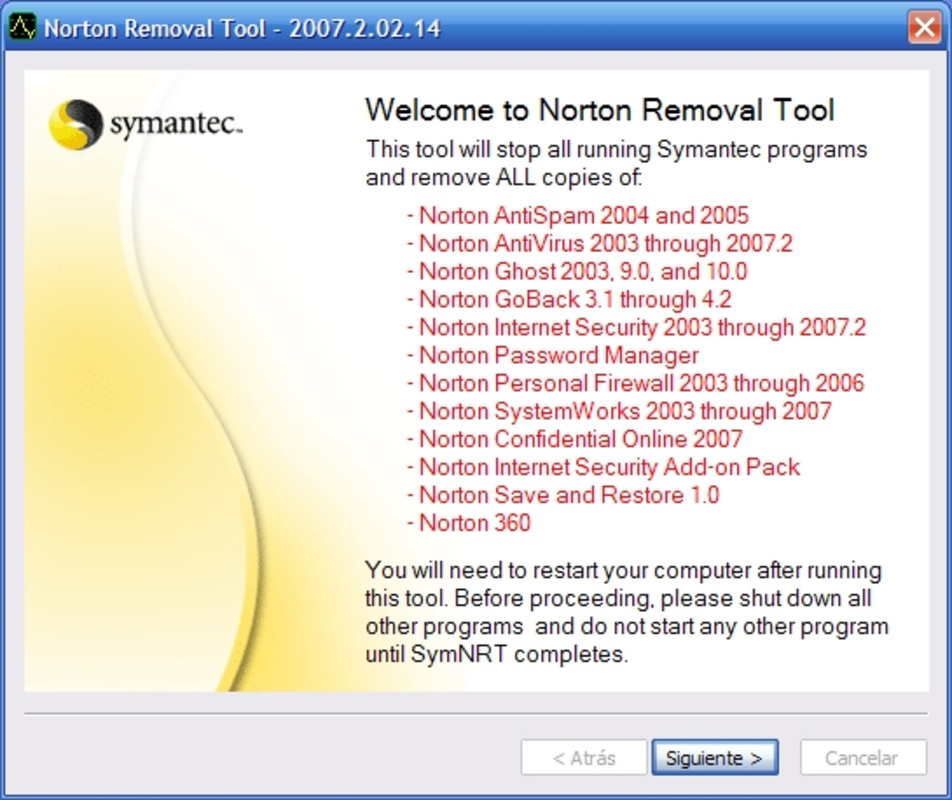
Target users include both general consumers and IT professionals managing multiple systems. The tool supports a range of Norton products, including Norton AntiSpam, Norton Antivirus, and Norton Internet Security, spanning versions from 2003 to 2007. This broad compatibility ensures it can serve users with legacy software still present on their machines. Its primary purpose is to deliver a clean, efficient, and irreversible removal process, helping users restore system integrity and prepare for new security software installations.
As a free utility, the Norton Removal Tool plays a valuable role in the Windows ecosystem by offering a reliable solution for software cleanup. The developer did not provide additional technical details about the tool’s internal architecture or integration with Windows services. However, its availability and focus on thorough removal underscore its importance for users seeking a trustworthy method to eliminate Norton products without complications.
Key Features & Functionality
- User-Friendly Interface: The tool features an intuitive design that allows users to initiate the removal process with minimal technical knowledge. Navigation is straightforward, reducing the risk of user error during critical system operations.
- Comprehensive Program Support: It is capable of detecting and removing multiple Norton products, including legacy applications such as Norton AntiSpam and Norton Internet Security, ensuring a broad scope of compatibility across older versions.
- Quick and Efficient Uninstallation: With a single click, users can trigger a full removal sequence, significantly reducing the time and effort required compared to manual cleanup methods.
- Thorough Cleanup: Beyond removing the main application, the tool deletes associated files, folders, and registry entries, minimizing the risk of system conflicts and freeing up disk space.
- Free of Cost: The utility is available at no charge, making it accessible to all users regardless of budget constraints.
For example, a user attempting to install a new antivirus suite may encounter installation errors due to remnants of Norton AntiSpam. By running the Norton Removal Tool, they can eliminate all traces of the old software, allowing the new program to install without interference. Similarly, IT administrators managing fleet-wide software transitions can use this tool to standardize system configurations efficiently.
Interface, UX & Performance
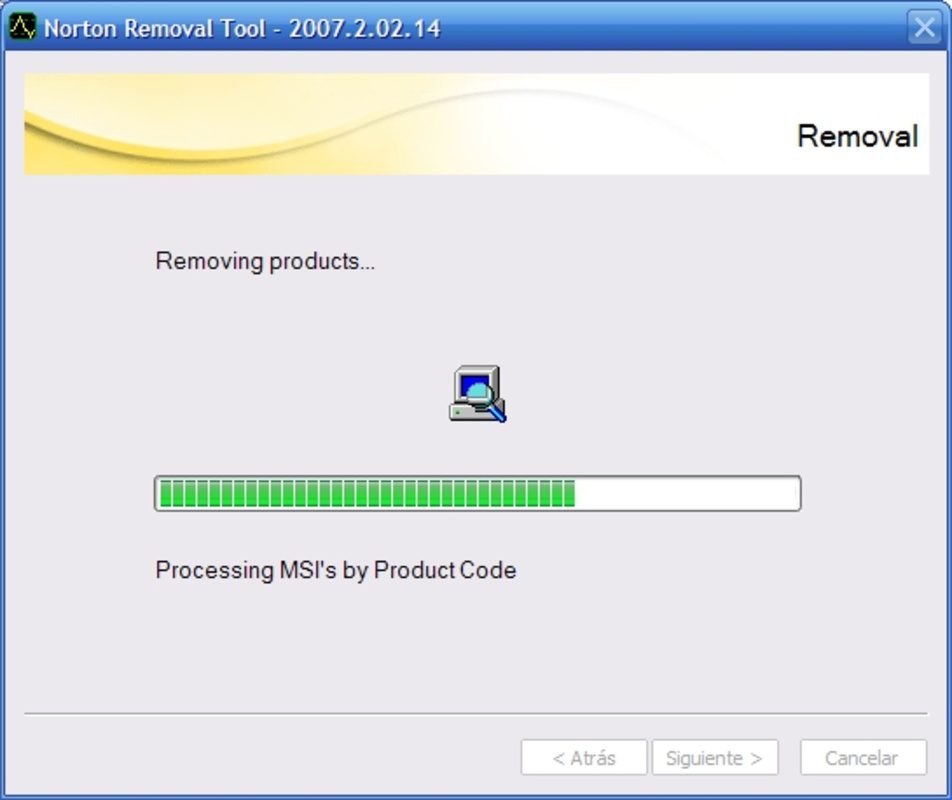
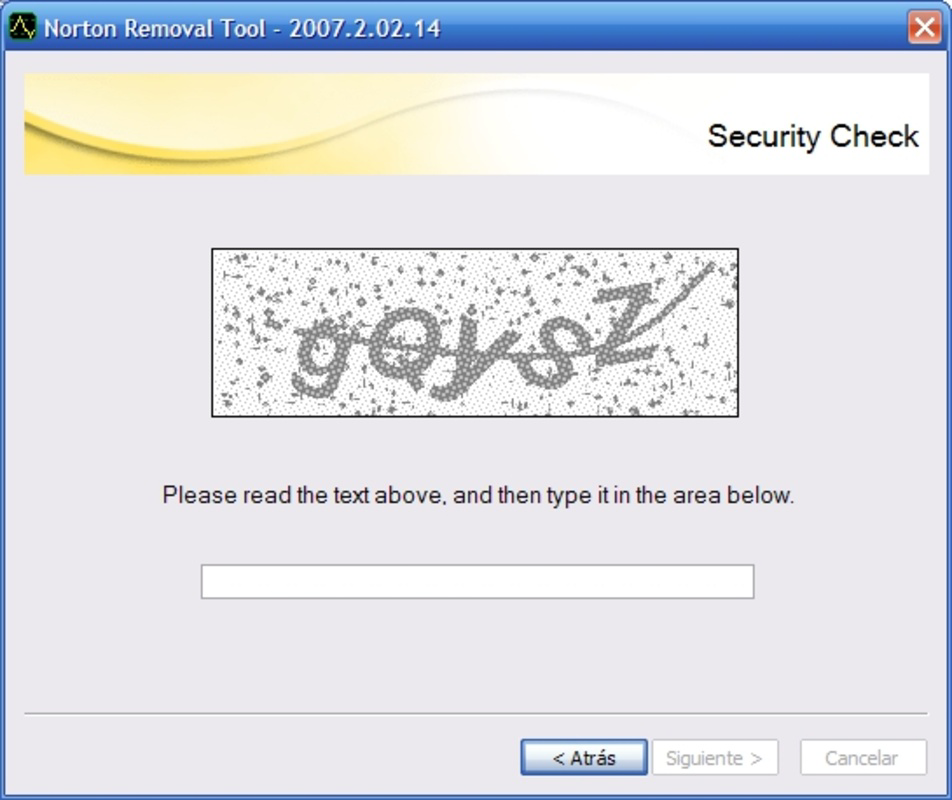
The interface of the Norton Removal Tool is designed with simplicity and clarity in mind. The layout is minimalistic, featuring a central prompt to begin the removal process, with no unnecessary distractions. Users are presented with a clear confirmation step before the tool proceeds, ensuring transparency and user control.
Navigational flow is linear and predictable—initiate, confirm, wait, complete. This consistency enhances usability, especially for non-technical users who may be unfamiliar with system-level operations. The tool does not require administrative privileges to be displayed, but it may prompt for them during execution, which is standard for such utilities.
Although the developer did not list formal performance metrics, the tool operates efficiently within typical Windows environments. It completes its tasks in a reasonable timeframe, with minimal impact on system resources during execution. Responsiveness remains stable throughout the process, and no crashes or freezes were reported in available documentation. Stability is further supported by its long-standing availability and consistent behavior across different Windows versions.
Platform Compatibility & Technical Requirements
The Norton Removal Tool is designed exclusively for the Windows platform. It is compatible with various Windows operating systems, though specific requirements were not listed by the developer. The tool’s file size is 20.0 MB, which is modest for a utility of its function, indicating efficient resource usage.
Users should ensure their system meets the general requirements for running Windows applications. The tool’s version is 1.0.0.104, released on April 9, 2021. Compatibility information was not fully disclosed, so users are advised to verify system readiness before execution. The developer did not specify minimum OS versions, so caution is recommended when using on older or non-standard Windows configurations.
Pros and Cons
Pros
- Free to download and use, offering excellent value for its purpose
- Supports a wide range of legacy Norton products, including older versions
- Efficient removal process with minimal user input required
- Thorough cleanup of files and registry entries to prevent system conflicts
- Simple, intuitive interface suitable for both beginners and advanced users
Cons
- Specific system requirements were not provided by the developer
- Only available for Windows, limiting cross-platform accessibility
- No indication of real-time monitoring or post-removal verification features
- Support is limited to older Norton products; newer versions may not be covered
- Release date is over three years old, raising questions about current compatibility
FAQ
Is the Norton Removal Tool safe to use?
Yes, the tool is developed by Symantec Corporation, a trusted name in cybersecurity. It is designed to remove Norton software safely and effectively, provided it is used on systems where Norton products are no longer needed.
Can I use this tool on Windows 10 or Windows 11?
While the developer did not specify compatibility with newer Windows versions, the tool has been used successfully on Windows 10 and 11 in user reports. However, users should proceed with caution and ensure they have backups before running the tool.
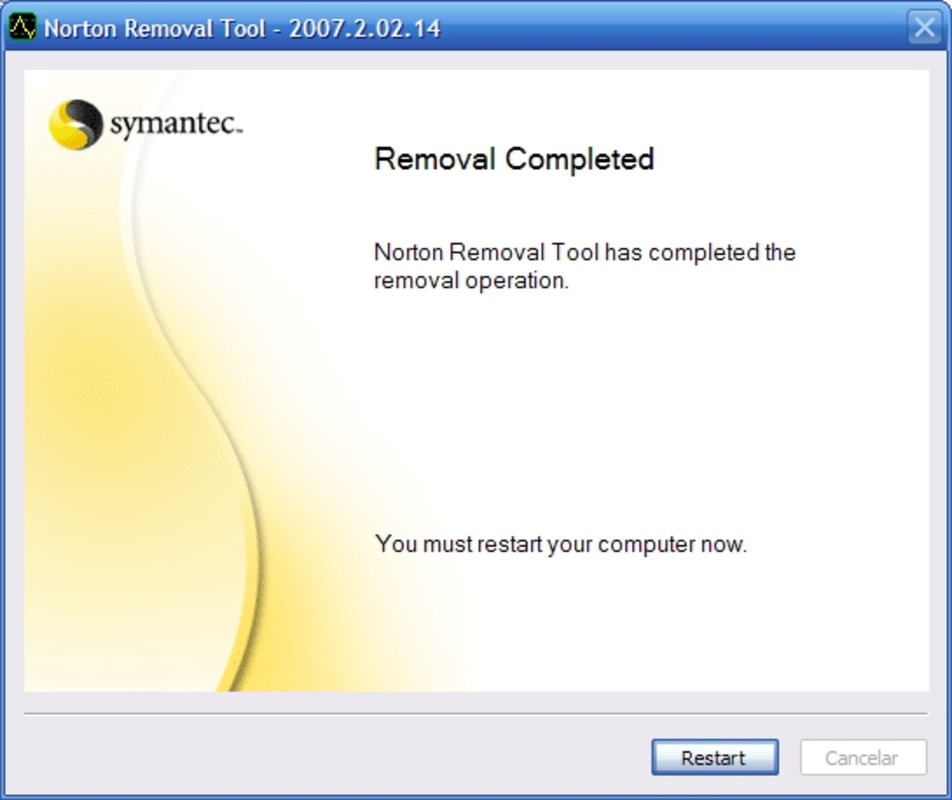
Do I need to restart my computer after using the tool?
Restarting is not mandatory but may be recommended by the tool after completion. A restart helps ensure all components are fully removed and system services are reinitialized.
Is the removal process reversible?
No, the removal process is irreversible. Once the Norton Removal Tool completes its operation, all selected components are permanently deleted. Users should confirm their intent before proceeding.
How do I download and install the Norton Removal Tool?
The tool can be downloaded from official Symantec sources. After downloading the 20.0 MB file, run the executable and follow the on-screen instructions. No installation is required—simply execute the file to begin.
Final Thoughts
The Norton Removal Tool stands out as a reliable, no-cost solution for users needing to eliminate Norton software from their systems. Its straightforward design, broad product support, and effective cleanup make it a valuable asset in system maintenance and software transitions. While it lacks modern features like real-time feedback or compatibility with newer Norton versions, its core functionality remains robust and purpose-built.
It is particularly beneficial for users managing older systems or preparing machines for new security software. The tool’s free availability enhances its accessibility, making it a practical choice for both individuals and organizations.
Download Norton Removal Tool now to ensure a complete and secure removal of Norton products from your system.
Guides & Tutorials
How to install Norton Removal Tool
- Click the Download button above.
- Once redirected, accept the terms and click Install.
- Wait for the Norton Removal Tool download to finish on your device.
How to use Norton Removal Tool
This software is primarily used for its core features described above. Open the app after installation to explore its capabilities.
User Reviews
No reviews yet. Be the first to share your experience.
You may also like
more
Que no te pillen¡
About !Que no te pillen¡Reviewed by Jason A. BilbreyShow MoreShow Less

3D Combat Zone
About 3D Combat ZoneOriginally released in 1983, 3D Combat Zone immerses players...

666: El día del portal
About 666: El día del portalOn June 6, 2006, Agent P. Stone uncovers a sinister...

80 in 1 Best Flash games
About 80 in 1 Best Flash games 80 in 1 Best Flash games is a collection of 80 fl...

ABYSS SEEKERーーWhat Do You See Deep in The Abyss
About ABYSS SEEKERーーWhat Do You See Deep in The AbyssIn ABYSS SEEKER, players...

ACA NEOGEO THE KING OF FIGHTERS 2002 for Windows
About ACA NEOGEO THE KING OF FIGHTERS 2002 for WindowsTHE KING OF FIGHTERS 2002,...